
Keep your profile visible and manageable.
Is My Google Business Listing Suspended?
How to Tell if a Google Business Profile Is in Jail!

What “GBP Jail” Usually Means
People call it “jail,” but Google treats these as different conditions:
- Suspended or disabled profile. The listing is removed or blocked.
- Restricted management access. You cannot manage or edit the profile normally.
- Filtered visibility. The listing exists but does not show for most searches.
Your first job is to identify which one it is. Guessing wastes time and often makes it worse.
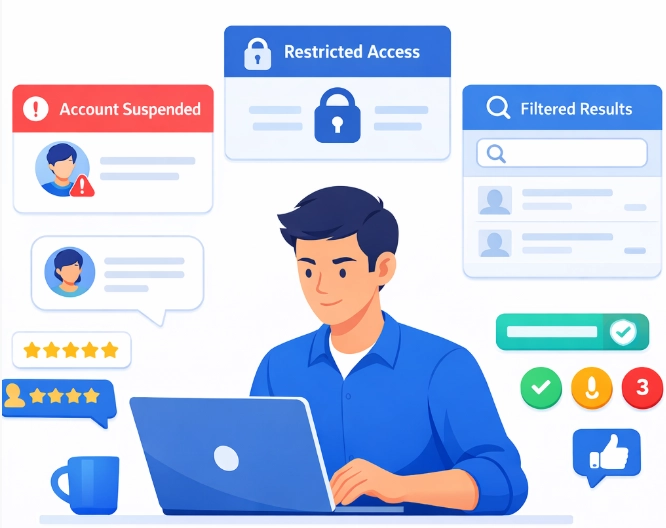
Fast Confirmation Checks
Check 1: Business Profile Manager status
If the profile is suspended or disabled, Google will show a suspension notice inside Business Profile Manager. This is the most direct confirmation.
Check 2: Public visibility in an incognito browser
Run these searches while logged out, in a private window:
- Search the exact business name.
- Search the business name plus the city.
- Check Google Maps directly.
How to interpret the result:
- If it does not show for the exact name, that usually points to a suspension or a major eligibility issue.
- If it shows only for the exact name but not for services, that often points to filtering or suppressed visibility.
Check 3: Ability to manage the profile
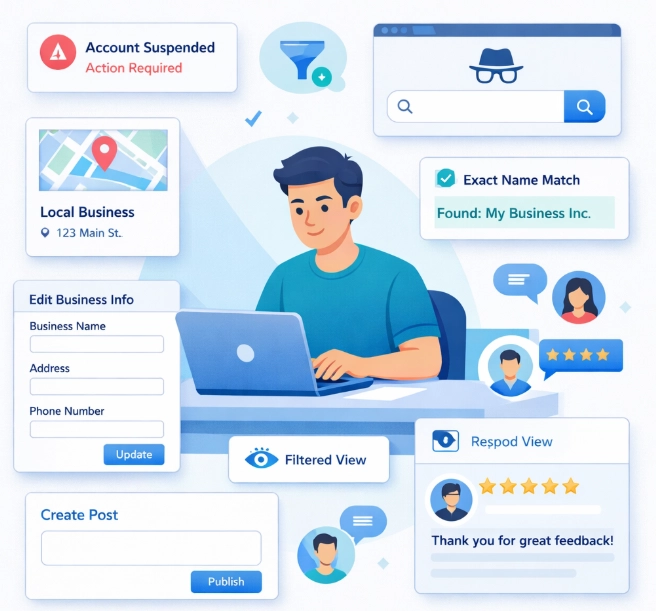
Try normal management actions. If core options are missing or changes never publish, the profile may be restricted or in a soft suspension state where the listing still exists but your control is limited.
Quick checks:
- Can you edit name, address, categories, and hours.
- Can you post updates.
- Can you respond to reviews.
Hard Suspension vs Soft Suspension
Hard suspension
- The profile is removed from Google Maps and Search.
- The business usually does not show publicly, even when searching the exact business name.
Soft suspension or restriction
- The profile may still appear publicly, but the owner or manager loses normal control.
- Editing, posting, or responding may be blocked, and the profile may be forced back into a verification state.
Both are serious. They just show up in different ways.
Filtered Visibility (Not a Suspension)
Filtered profiles feel like “jail,” but the listing is technically still live.
Common signs:
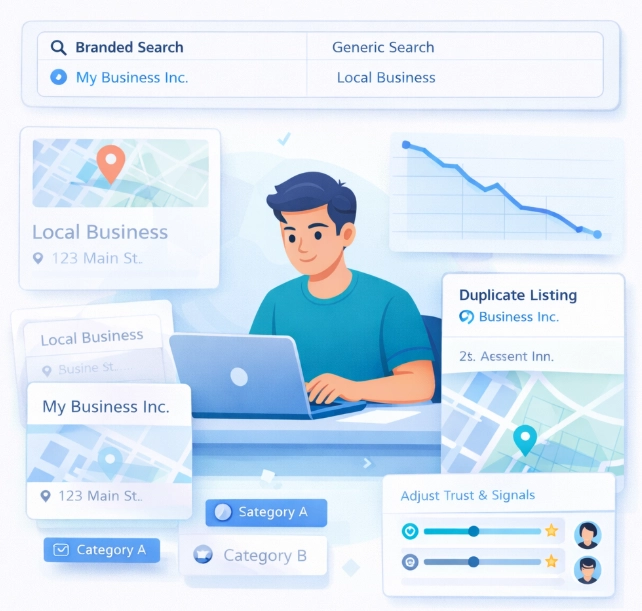
- The profile appears for branded searches, but not for service searches like “plumber near me.”
- The profile disappears in the local finder or only appears when zooming in on Maps.
- Rankings drop quickly without any warning in the dashboard.
Filtering is usually caused by proximity to similar listings, duplicates, address signals, category overlap, or trust issues. It is not fixed by random edits. It is fixed by correcting the underlying signals.
Common Triggers That Lead to “Jail” Symptoms
Filtered profiles feel like “jail,” but the listing is technically still live.
- A business name that does not match real-world branding, including keyword stuffing.
- Address issues, including ineligible setups, mismatches across the web, or duplicates.
- Too many major edits in a short period, especially to the name, category, address, or service area.
- Duplicate listings for the same business.
- Problems with one of the Google accounts managing the profile.
- Misleading categories or service areas that do not match the website and citations.
Most problems get worse when people panic and start changing everything. The correct move is to identify the exact condition first, then fix the specific cause.
Shall we get started.
Making the most out of what you already have.
“Google Business Profiles are the highest returning free asset that every business is given, that virtually no small businesses utilize to their fullest potential.”
Trevor Jones
OmniLocal